

This blog was originally published on February 12, 2025 and was updated on June 1, 2026.
UX research is powerful—but slow. Finding participants, analyzing responses, and making sense of data can take weeks.
What if AI could speed up your research without compromising quality?
Here are six ways AI is transforming how we do user research and three pitfalls to watch for.
1. Card Sorting at Scale
Card sorting is a great exercise to understand how users group and make connections between information. Done well, it leads to more intuitive navigation, clearer structures, and a user-first information architecture instead of one that reflects an organization’s internal silos.
The Challenge:
For an effective card sort, you need 15 participants, sometimes up to 30-50 to identify meaningful patterns.
- Users can also only handle a certain number of cards to sort. Otherwise, they get tired and overwhelmed.
- Recruiting and running a robust card sort study can take weeks, making it difficult to iterate quickly.
How AI Can Help
Large Language Models (LLMs) like ChatGPT can generate initial categorizations that supplement real-user data. Because LLMs are trained on vast amounts of human-generated text, they can simulate how people naturally organize and relate concepts. Ask ChatGPT to complete a card sort and you'll get a pretty good grouping with intuitive labels.
I’ve seen a strong overlap between our user-generated groups and our AI-generated groups. Using AI allows me to test more cards (even up to 70-80) when we’re limited to ~50 cards with users. I also generate directional insights faster.
How to Use AI for Card Sorting:
- Ask an LLM to sort a larger dataset of cards (70-80)—something impractical for human participants.
- The AI-generated categories often align closely with user-generated groupings, validating its utility.
- AI speeds up early-stage analysis, helping me identify key themes before running full user sessions.
The output isn’t perfect. The more unique your audience segment is, the less useful general grouping becomes. But overall, adding AI to supplement my user-driven card sorts has made my analysis more comprehensive and faster.
When to Use AI-Augmented Card Sorting vs. Traditional Methods
Not all card sorting tasks carry equal business risk. Understanding when to invest in traditional research versus when AI augmentation is appropriate can help you make strategic decisions about resource allocation.
Reserve traditional user research for:
-
Core site structure decisions
-
Primary product categorization
-
Initial persona development for new audiences
AI-augmented card sorting works well for:
-
Blog content categorization
-
Iterative testing after initial structure is validated
Niche audiences—those with specialized skill sets, recruitment difficulty, or situations requiring testing of sensitive information like pricing—present unique challenges. Traditional card sorting struggles with these segments due to scalability and budget constraints. The key is identifying where the business impact justifies the investment. High-priority tasks like site structure and product categorization are still worth the investment of traditional user research, for example.
Building a knowledge base:
Once you've conducted traditional card sorting with your target audience, don't let those insights gather dust. I recommend uploading findings like user terminology, speech patterns, and rationale for groupings into Claude or ChatGPT to use as a knowledge base.
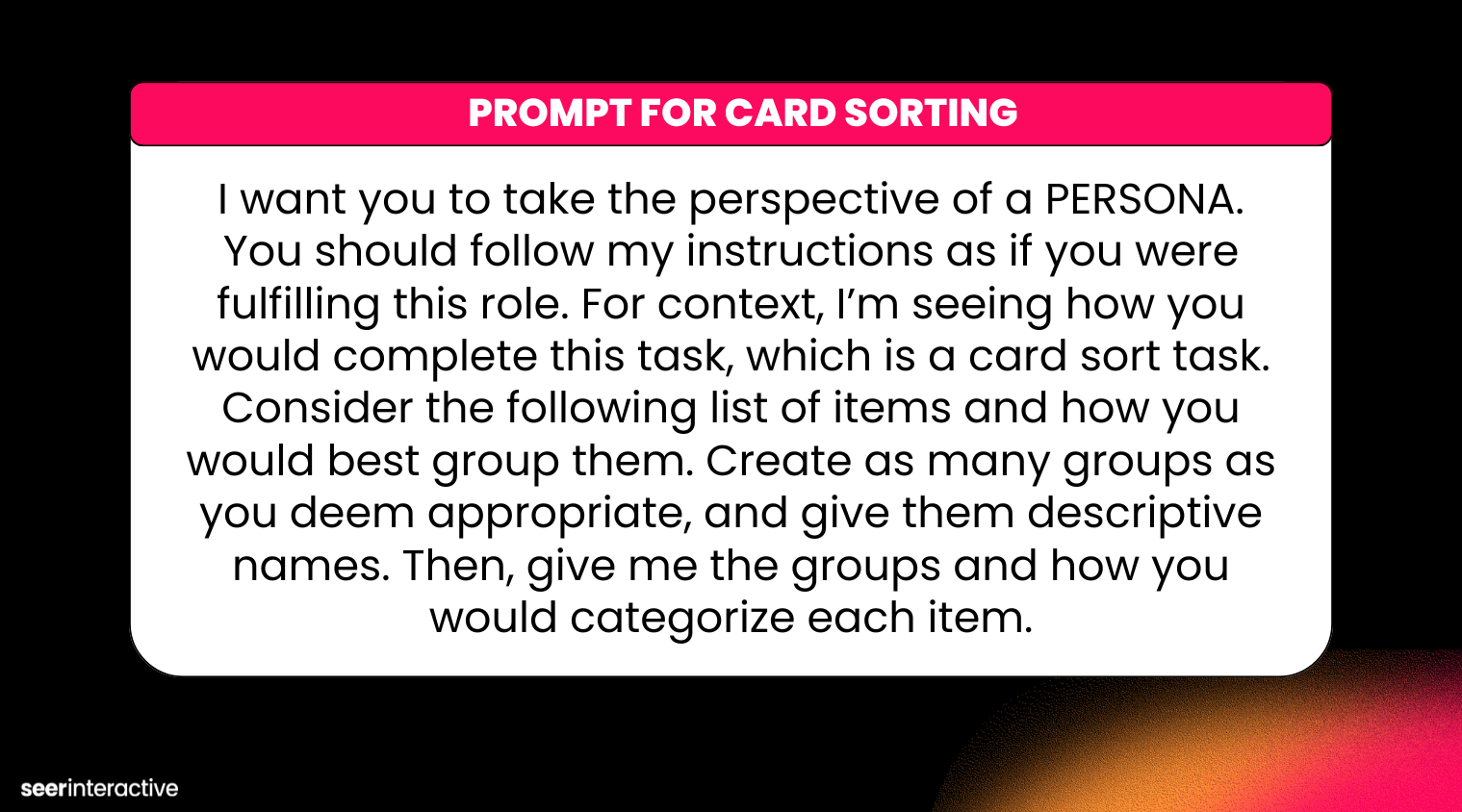
Example Prompt for Card Sorting
[TIP] I want you to take the perspective of a PERSONA. You should follow my instructions as if you were fulfilling this role. For context, I’m seeing how you would complete this task, which is a card sort task. Consider the following list of items and how you would best group them. Create as many groups as you deem appropriate, and give them descriptive names. Then, give me the groups and how you would categorize each item.
2. Write Usability Scripts Faster
One way I use AI almost daily is to get a first draft of my interview and usability scripts. While I haven’t had success using ChatGPT for screener questions (I always get overly simplified and leading questions), I love prompting for an initial usability guide. This works well for generative testing, where my guide is a framework.
How AI Can Help
Part of why I’ve had success is because I create and use a custom GPT for my usability guides.
By leveraging custom-trained AI models, I’ve built a question bank segmented by industry and audience (B2B & B2C). Instead of writing scripts manually, I upload this dataset into ChatGPT, allowing it to generate tailored usability guides based on best practices.
I save time, and ChatGPT relies on best practices. I will continue to build my question and task repository and add additional examples for evaluative tasks. One of my next projects is to customize the GPT for moderated vs. unmoderated sessions, to keep reducing my own edit time.
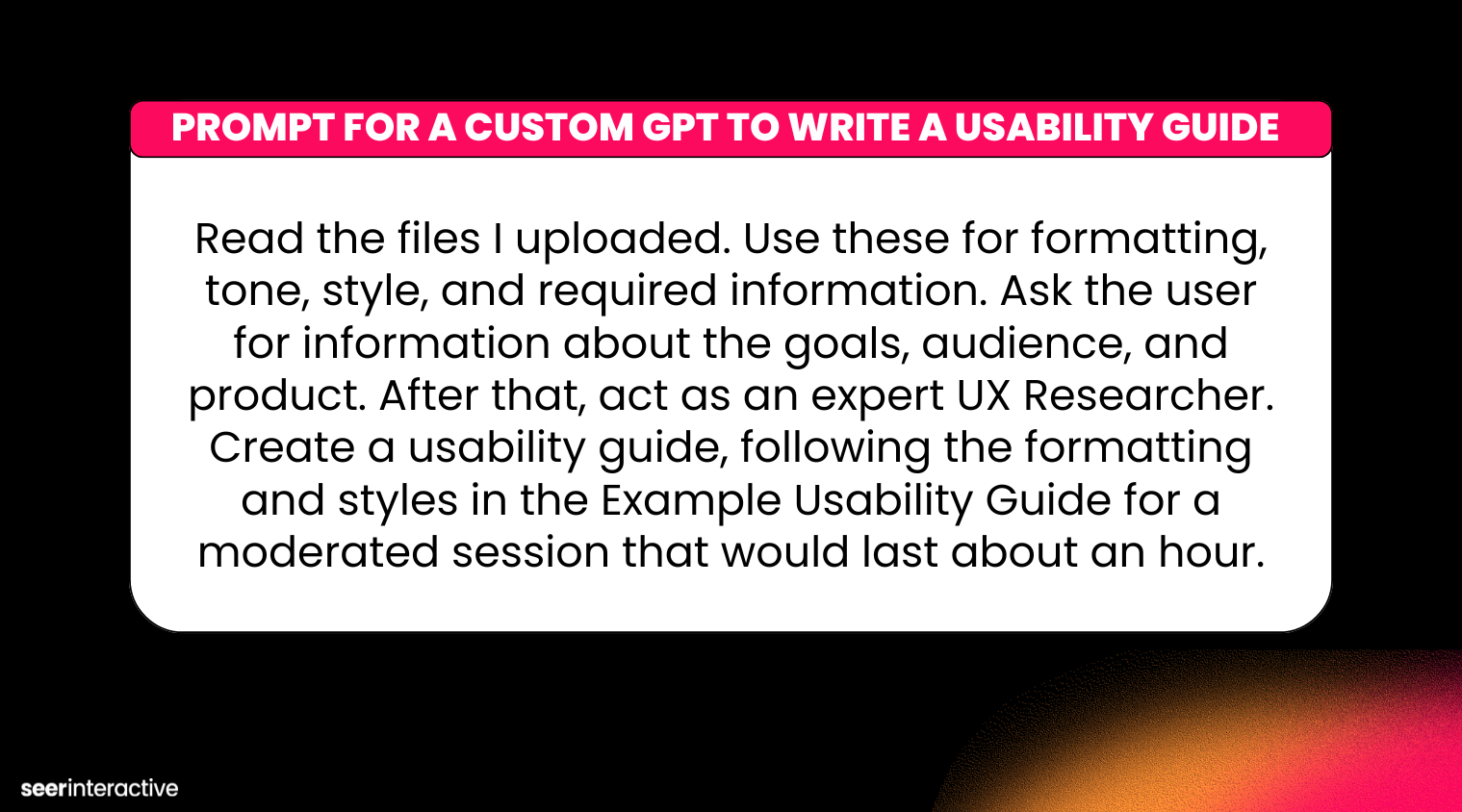
Example AI Prompt for a Custom GPT to Write a Usability Guide
[TIP] Read the files I uploaded. Use these for formatting, tone, style, and required information. Ask the user for information about the goals, audience, and product. After that, act as an expert UX Researcher. Create a usability guide, following the formatting and styles in the Example Usability Guide for a moderated session that would last about an hour.
3. From Transcripts and Summaries to Sentiment Analysis
The landscape of AI research tools has evolved dramatically. AI tools can now go far beyond simple transcription—they can summarize themes, pull impactful quotes, and even evaluate sentiment.
Remember to always get permission for AI tools from participants and clients. Research your transcription tool and understand their privacy policies and data management before using these in your sessions.
How AI Can Help
AI tools like Zoom AI Companion and Otter.ai can summarize themes, pull impactful quotes, and even evaluate sentiment. Being able to search in the transcript or pull first impressions has made it easier to focus on the insights. I’m able to spend less time scrubbing through videos and more time on the analysis.
Other platforms go beyond transcripts and summaries and conduct full AI moderation with advanced features like pattern recognition analytics. We're currently using Outset. Some tools even offer context preservation that understands clicking patterns, hesitation, and behavioral signals.
These AI moderation and AI-enabled research tools allow us to scale user research and insights much faster. We can also start using those insights to impact more areas of the business because this type of research is less expensive than traditional user research. Of course you need to be careful with synthetic users, since they can't fully replicate real users.
4. Instant Feedback and Coaching
As a seasoned researcher, I’ve moderated hundreds of sessions. I’m always looking to improve and level up my skills, and using ChatGPT (see #3) as my own personal coach has helped me level up.
How AI Can Help
Ask for feedback on a recent session, which I’ve found helpful to identify areas I can probe more in-depth and phrasing suggestions. I’ll always read articles and join webinars to improve my approach, but the personalized suggestions from ChatGPT have given me actionable and personalized coaching. Seeing feedback this way also helps me improve as a mentor to others.
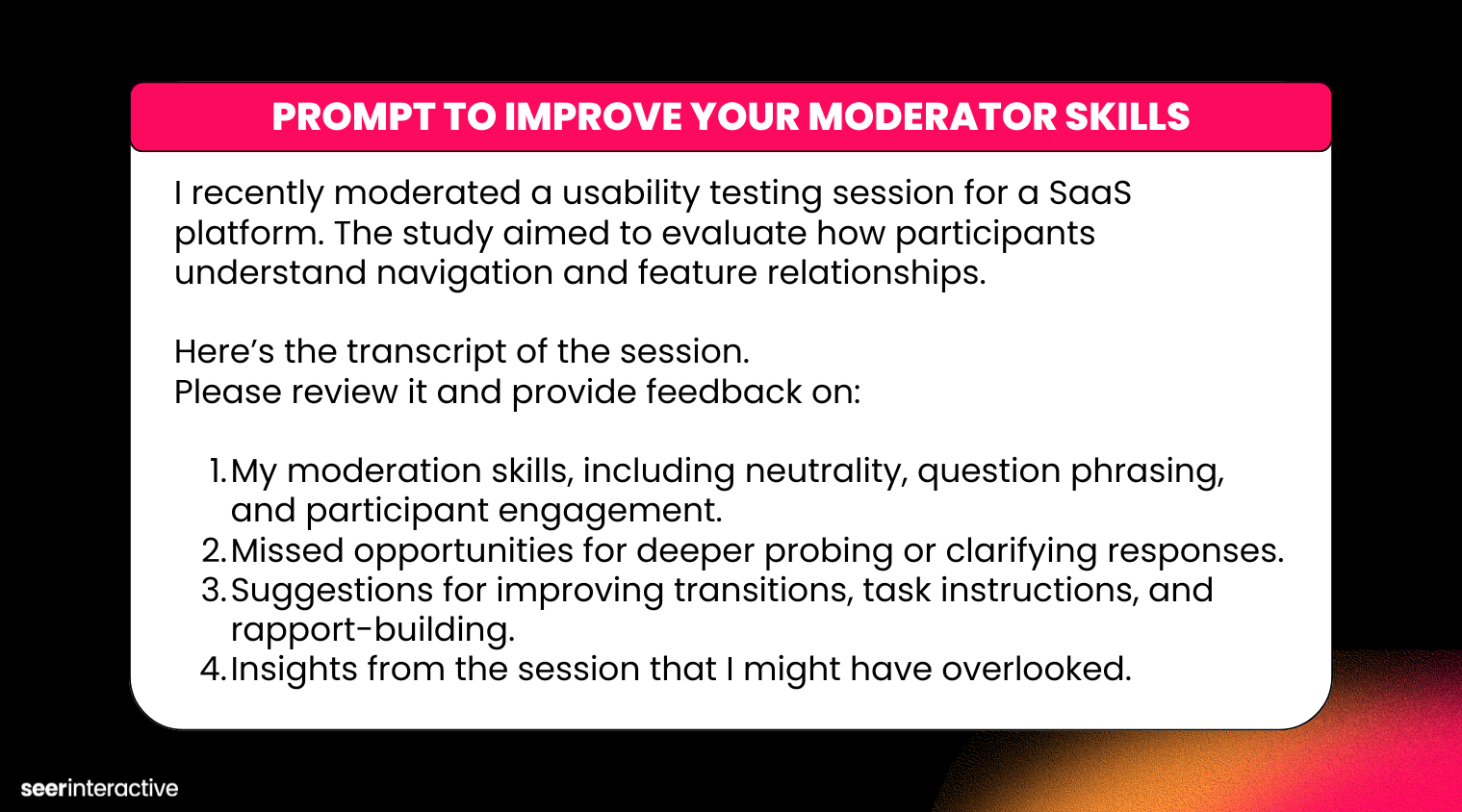
Example AI Prompt to Improve Your Moderator Skills
[TIP] I recently moderated a usability testing session for a SaaS platform. The study aimed to evaluate how participants understand navigation and feature relationships.
Here’s the transcript of the session. Please review it and provide feedback on:
- My moderation skills, including neutrality, question phrasing, and participant engagement.
- Missed opportunities for deeper probing or clarifying responses.
- Suggestions for improving transitions, task instructions, and rapport-building.
- Insights from the session that I might have overlooked.
5. Building an Insight Repository
As Seer has scaled our UX research, sharing findings and nuance can be difficult. I sometimes go back to previous projects for relevant insights and to understand any shifts in user perceptions.
With AI’s ability to recognize themes and interpret a large amount of data at once, I've been building an insight repository where all research activities and insights are stored. This is a growing space, and I expect the way these repositories are built to change with new models and features.
How AI Can Help
Using an AI tool like Claude to build an insight repository lets you easily collect and store insights by multiple dimensions:
-
Type (behavioral, attitudinal, preference, pain point)
-
Timing (when in user journey the insight applies)
-
Study context (which research initiative uncovered it)
-
Audience segment (which personas or user types it relates to)
After each study, extract key insights—not just transcripts. Tag using your dimensional framework, include relevant quotes and behavioral observations, and link to original study materials for context.
Strategic Value: Behavioral Tracking Over Time
The real power emerges over months and years: your repository reveals behavioral trends across time and audience types. I can zoom out from qualitative data and understand user behavior in a much deeper way. For example, I can look at insights from a consumer study on the homepage and insights from a professional study on an FAQ page, and find connections across audiences and page types.
In the future, I see a world where we have a custom insights model, and researchers, designers, product managers, and executives can ask a question and get a research-backed answer customized to their users.
The more we can share insights and build on what we’ve already done, the more impactful and valuable UX research will be.
6. Collecting Qualitative Data on AI Personalization
As AI enables more personalized user experiences, qualitative research becomes more essential—not less.
Traditional analytics assume users see consistent experiences, and A/B testing works because you control variables. But AI-powered personalization breaks these assumptions.
When each user receives a tailored experience, aggregate data becomes less meaningful. You can't A/B test what's already individualized. Understanding the 'why' behind behaviors becomes harder to extract but exponentially more valuable.
How AI Can Help
User interactions are increasingly happening outside your owned domains entirely—mediated through AI agents like ChatGPT, Perplexity, or voice assistants.
AI can help you answer and monitor the new research questions you're asking, like:
-
Where do brand interactions occur in AI-mediated contexts?
-
How do users discover and evaluate your brand offerings through agents?
-
What information do AI systems prioritize about your brand?
That's why Seer has created AI user search testing to better understand these AI-mediated experiences. We're now analyzing how AI sentiment influences the way consumers perceive, believe, and choose your brand.
It’s Not All Positive…AI Also Has Some Pitfalls in User Research
Unfortunately, while there are many positives to using AI, there are a few places I’ve seen issues. Here are three things to keep an eye out for as AI is used more and more.
1. Participant AI Usage
When recruiting with platforms like UserInterviews, I’ve noticed an increase in users adding lists, AI-generated answers, and other tell-tale signs they are trying to game the system to participate in a study they aren’t qualified for.
Watching out for fraud has always been a key part of recruitment, but now it's evolved beyond AI-written responses. The same technology enabling candidates to cheat in job interviews is now compromising user research.
In one situation, I conducted a session with a participant I can confidently say was reading from AI when answering my questions. I could see the device’s reflection on the screen as I asked questions, and the participant looked over to read the ‘correct’ answer.
Here are a few methods to keep sessions relevant:
- Require cameras to be on to see the participant's engagement and focus
- Be careful about leading questions or giving too much context or jargon
- Keep probing questions succinct and don’t be afraid to ask for more details
In my case, I was clear that if the participant wasn’t able to give more specific answers and real-life experiences, I would end the session. I didn’t make an accusation because I couldn’t prove anything, but my objectivity was gone and I wasn’t getting valuable insights.
Another way to try and curb participant fraud is by building recruitment panels made up of participants from your actual user base. While it limits reach, this tactic provides more quality control than third-party platforms can guarantee.
2. Inability to Recognize Context
Context is key. Expert moderators recognize when a comment reveals something significant—and you know how to pursue it. You also know how to frame questions in an unbiased and non-leading way, and how to follow up if a participant isn't answering an important question.
AI may not recognize important insights that occur in real-time or be able to pivot the conversation to continue following such a thread. It might not acknowledge if a participant fails to answer a question and just move on. AI tools also struggle with asking unbiased questions, because they're designed to be agreeable.
One way to address these limitations is by conducting follow-up interviews to fill in gaps or dive deeper into insights.
3. Over-Reliance on What Users Say
I’ve outlined multiple methods to increase the speed of insight and analysis from user testing. AI is a great tool for summaries and themes, but at the end of the day, it focuses on what users are saying.
As a UX expert, you need to be focused on what users are doing.
Watching behavior, understanding sentiment, and seeing facial reactions can be more telling than verbal feedback.
Sarcasm, frustration masked by politeness, and enthusiastic confusion all require human interpretation. A user might also confidently say they understand but display other behavioral cues of confusion (such as where they're clicking).
Don’t let speed and convenience overshadow the main focus of research or your products will be driven by what users say, and huge areas of both friction and delight will be overlooked.
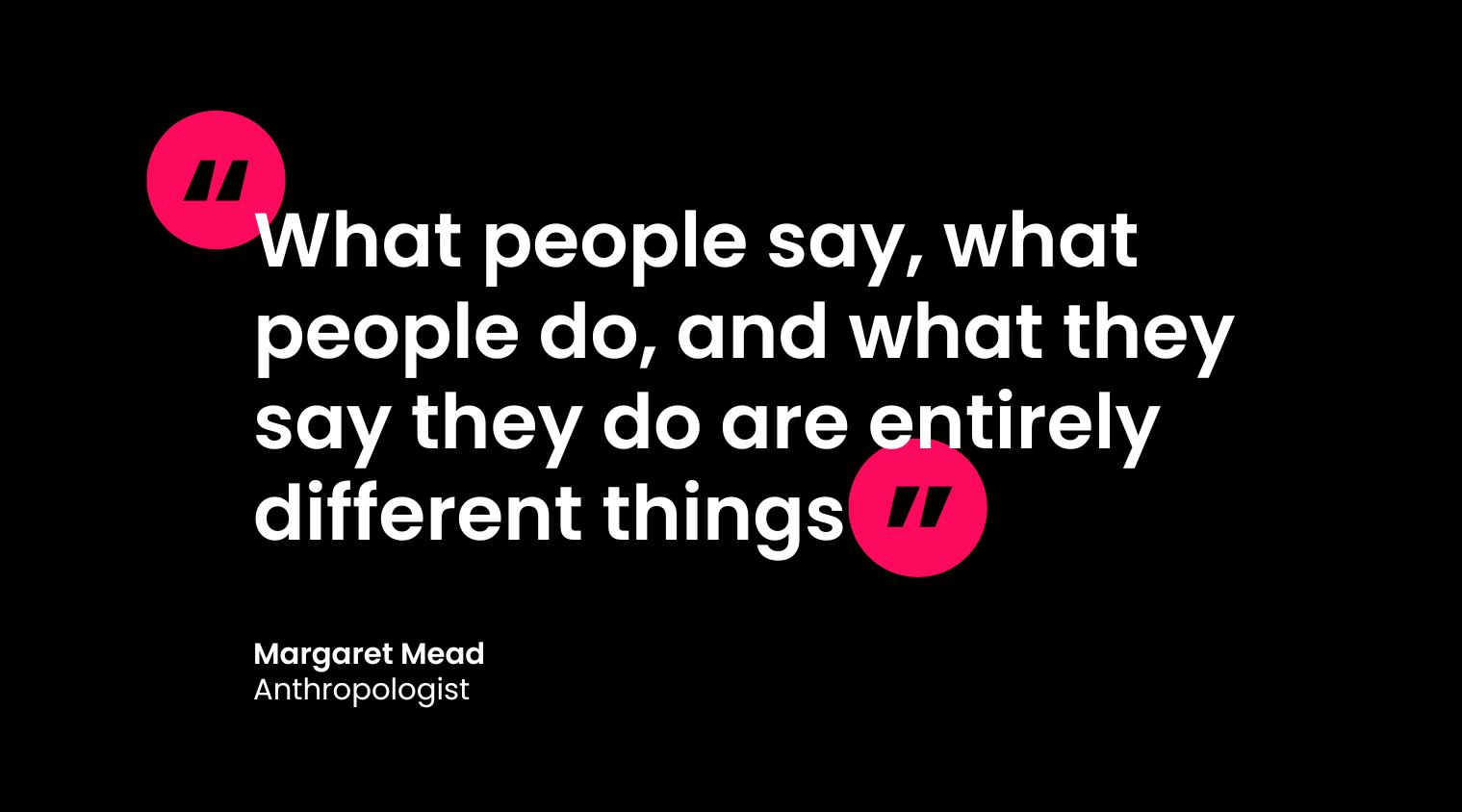
[TIP] As Margaret Mead is often credited with saying, “What people say, what people do, and what they say they do are entirely different things.”
As a UX professional, I’ve seen how AI can improve my processes and make my user research more impactful. I’m not afraid to incorporate it, but it is a tool, with positives and negatives.
Start freeing your time up to focus on strategy by using AI in your processes, but keep in mind that you are the expert and pair AI with critical thinking and intentional application.
Speed up your research with insights from the Seer team delivered straight to your inbox. Subscribe below.

.png)
.png)